Search and filter
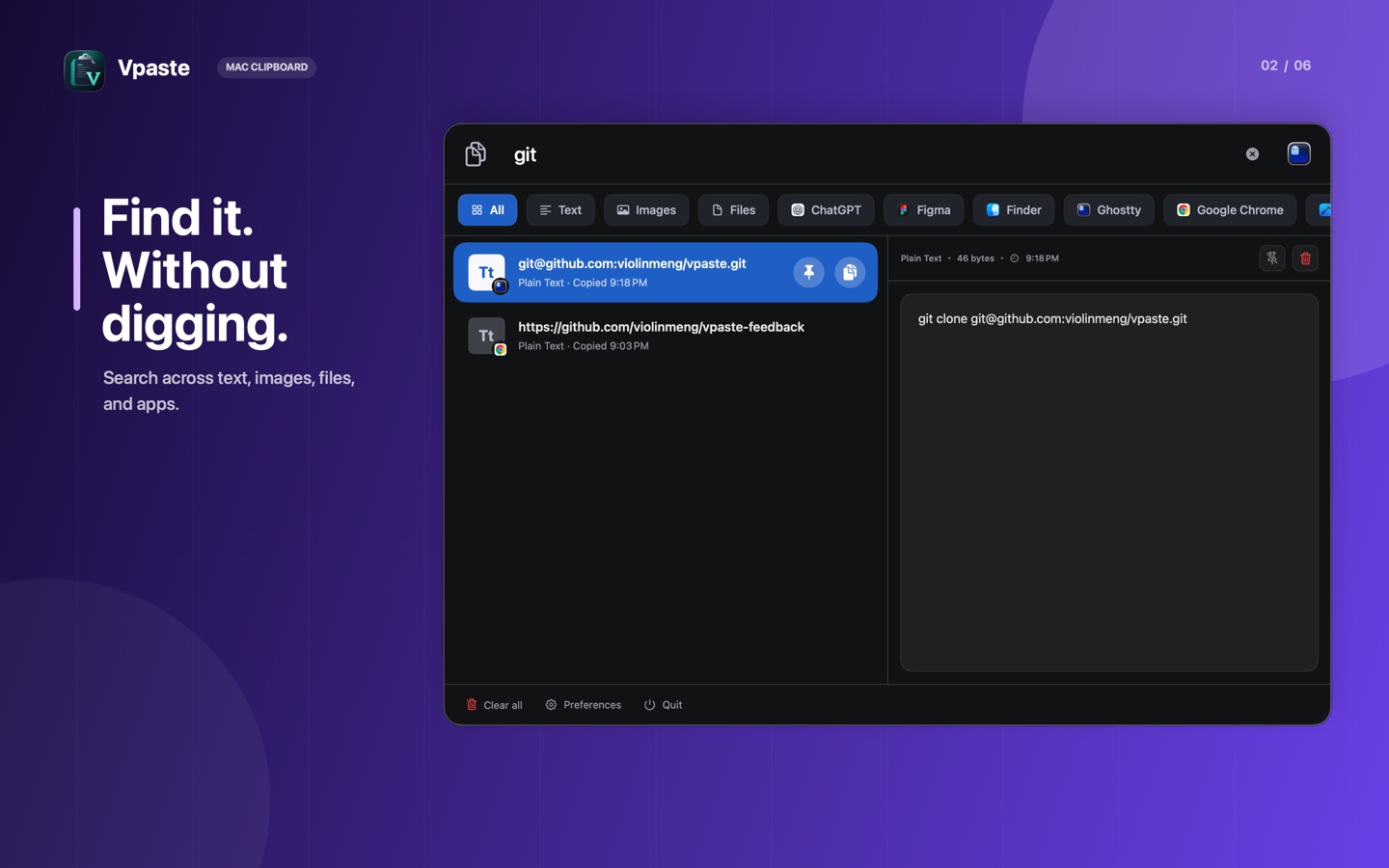
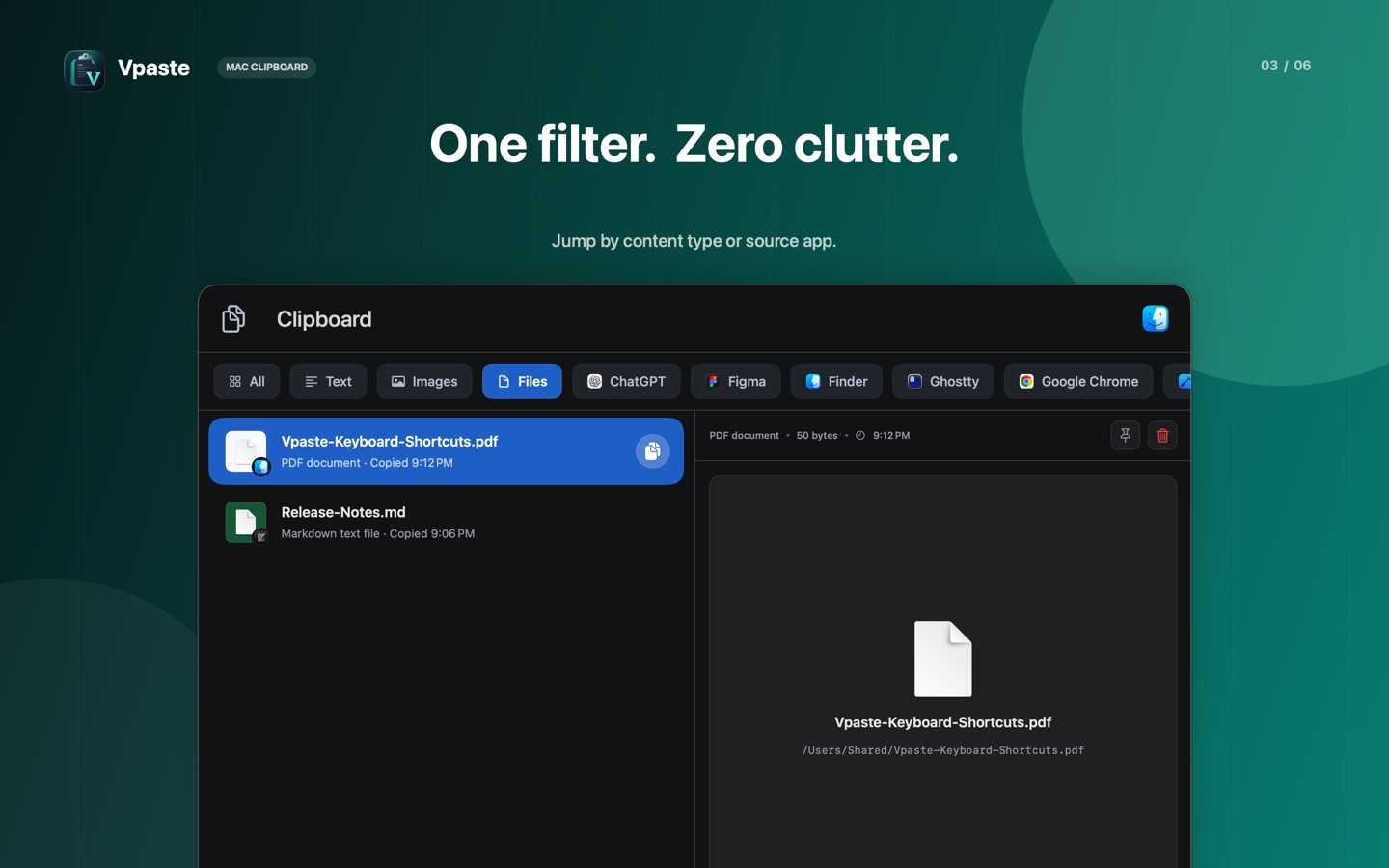
Find text quickly, or focus the history by text, image, file, or source application.
Local-first clipboard history
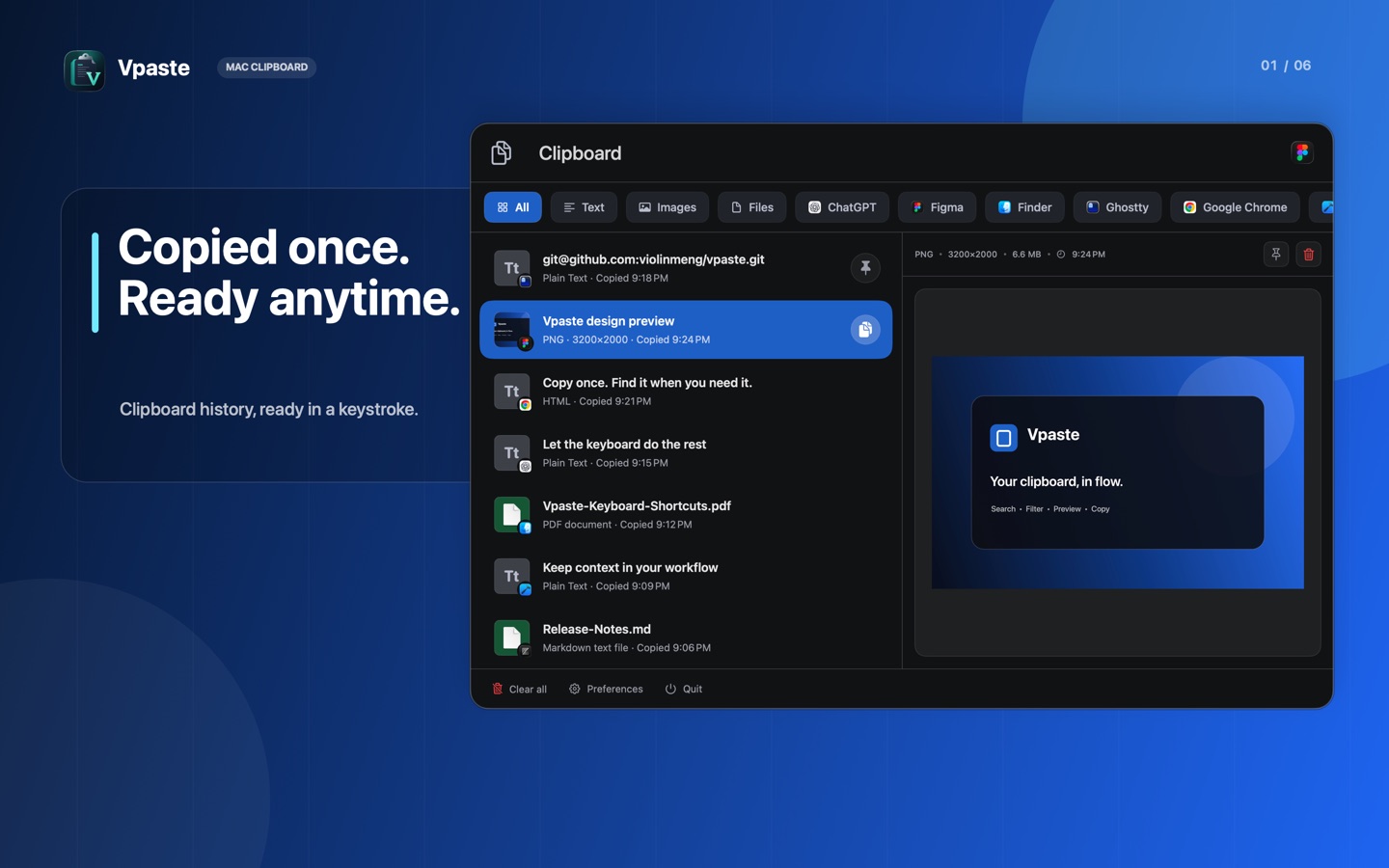
Vpaste keeps recent text, images, rich text, and file references ready in a fast macOS menu-bar window. Your clipboard history stays on your Mac.

Open Vpaste with a shortcut, narrow the list, preview the result, and put it back on the clipboard or paste it directly.
Find text quickly, or focus the history by text, image, file, or source application.
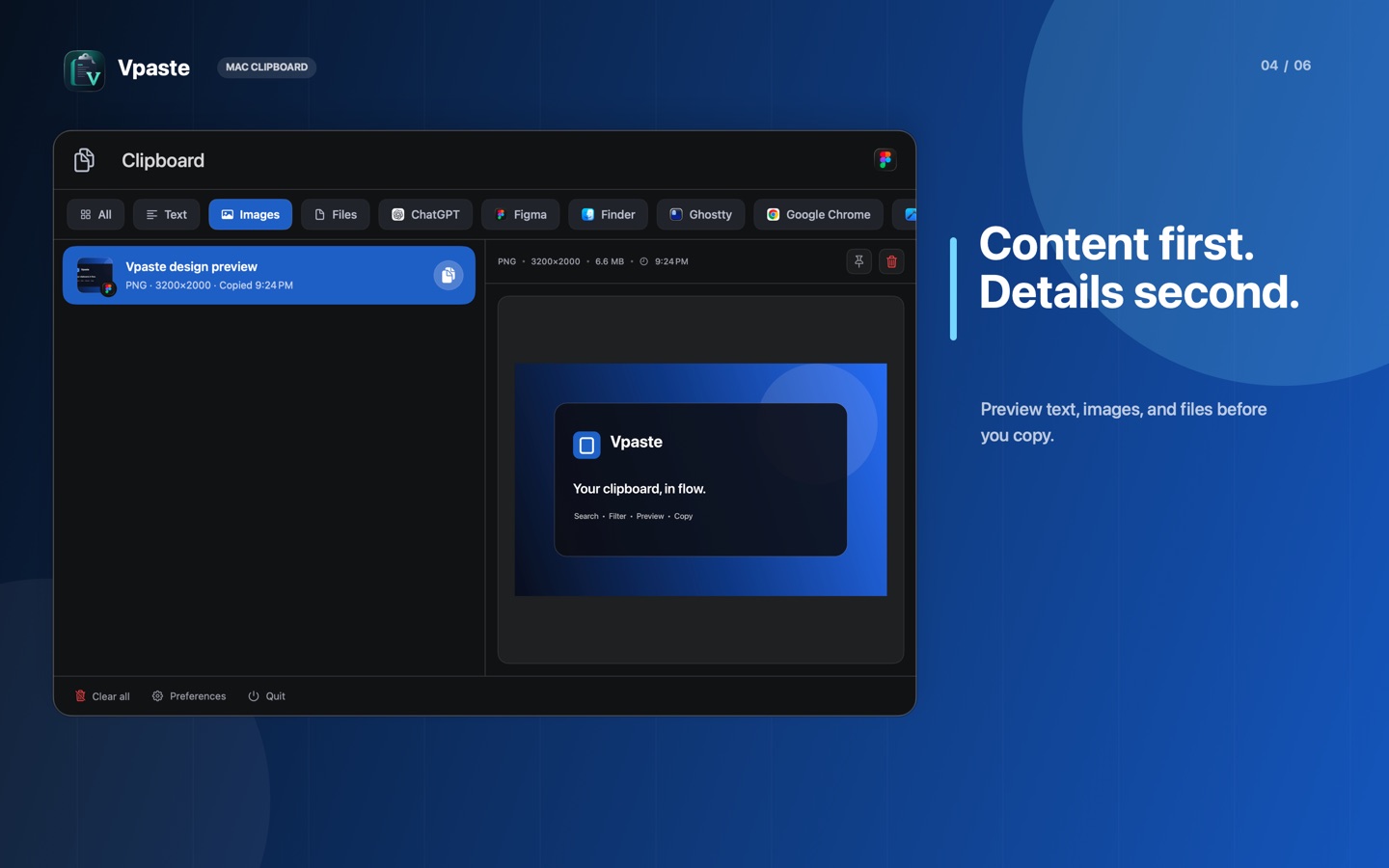
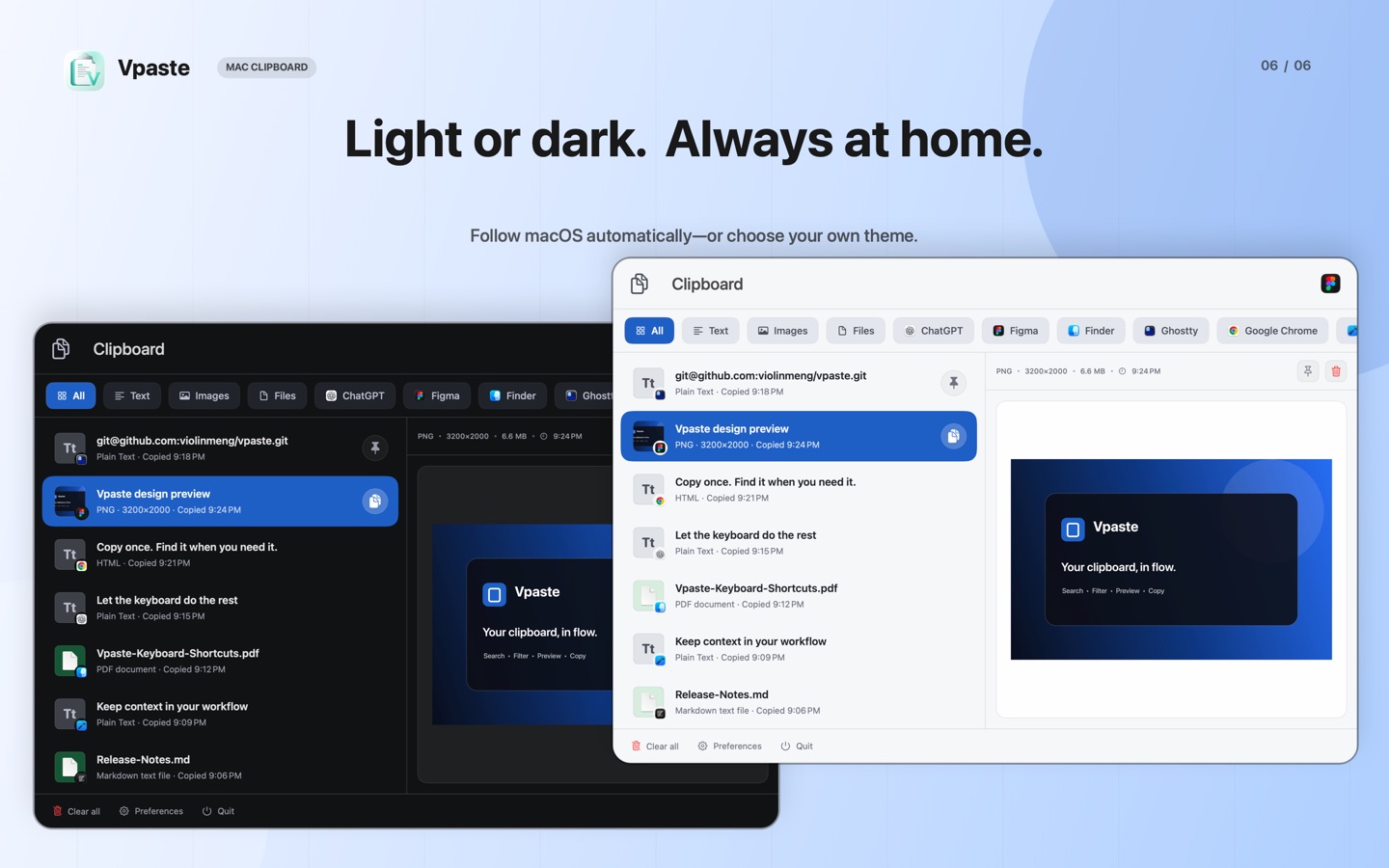
Inspect text, rich content, images, colors, and file references without leaving the list.
Keep frequently used items outside the normal unpinned history limit.
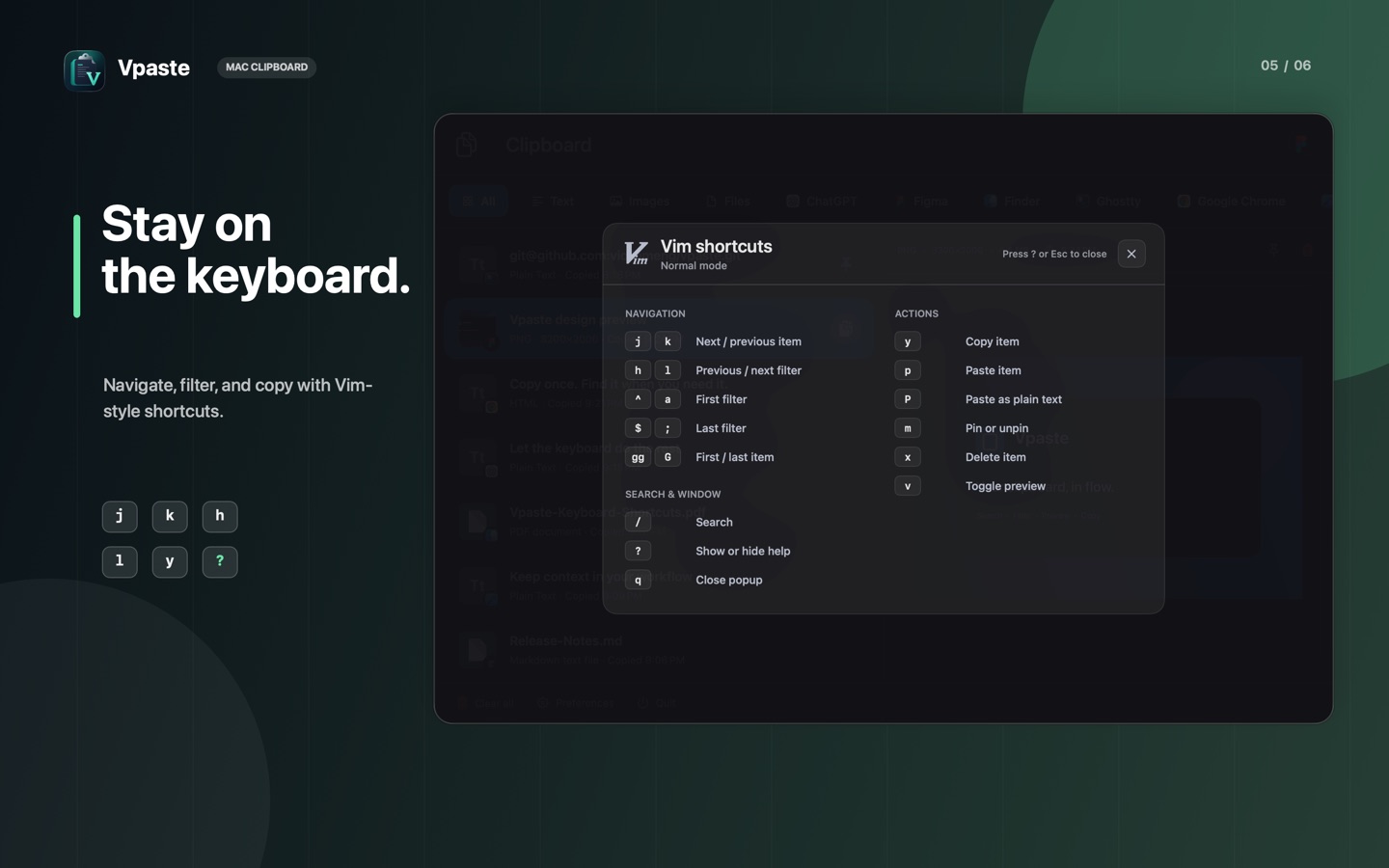
Use configurable shortcuts and optional Vim-style navigation for a fast, focused workflow.
Choose content types and ignore selected apps, pasteboard types, or regular-expression matches.
History and preferences are stored inside the app sandbox on your Mac and can be cleared from Vpaste.
Current release-candidate artwork. Final App Store assets remain subject to human approval.